Waxwarmglow

ZBrush Basics

Master the fundamentals of digital sculpting with industry-leading software used by professionals worldwide

Why ZBrush?

ZBrush has revolutionized digital sculpting and has become the industry standard for character artists, concept designers, and visual effects professionals. Its intuitive brush-based workflow allows artists to create organic forms with unprecedented detail and realism.

At waxwarmglow, we break down ZBrush's unique interface and powerful toolset into digestible lessons that build your confidence from day one. Whether you're sculpting characters for games, creating collectible figures, or designing creatures for film, ZBrush is an essential skill.
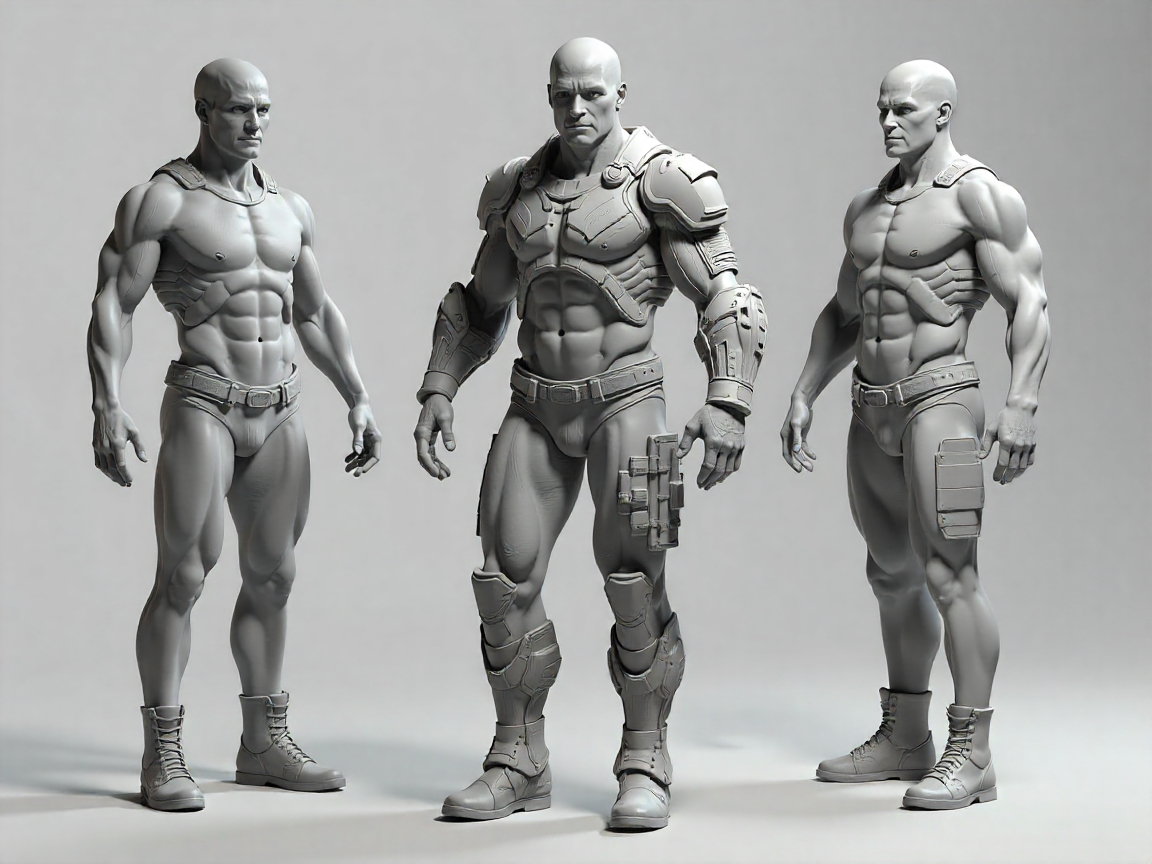
ZBrush digital sculpting interface with character model

Core Modules

01

Interface & Navigation

Understand ZBrush's unique UI layout, customize your workspace, and master viewport navigation. Learn essential shortcuts and efficient workflows that professional artists use daily.

02

Basic Sculpting Tools

Explore fundamental brushes including Standard, Clay, Move, and Smooth. Understand brush intensity, alpha textures, and how to achieve different surface qualities.

03

Subdivision Levels

Learn how to work with multiple resolution levels, when to add detail, and how to maintain clean base meshes for optimal sculpting results.

04

Masking & Polygroups

Master masking techniques for isolating areas, creating hard edges, and organizing your model with polygroups for efficient workflow management.

05

DynaMesh & ZRemesher

Discover dynamic tessellation with DynaMesh for freeform sculpting and automatic retopology with ZRemesher for clean, animation-ready meshes.

06

Basic Rendering

Set up materials, lighting, and render settings to showcase your sculptures. Learn BPR rendering and basic post-processing techniques.

Essential ZBrush Tools

Standard Brush

The foundation of all sculpting work, perfect for adding and removing volume with precision control.

Clay Buildup

Build forms quickly with this additive brush that mimics traditional clay sculpting techniques.

Move Brush

Reposition geometry and adjust proportions without adding or removing detail from your model.

Smooth Brush

Refine surfaces, blend transitions, and reduce unwanted texture for clean, professional results.

ZModeler

Perform polygon-level operations for hard surface work and precise geometric modifications.

Insert Brushes

Add pre-made meshes like eyes, teeth, or mechanical parts directly into your sculpture.

Professional Workflow Tips

Start with Simple Forms

Begin every sculpture with basic shapes. Establish proportions and major forms before adding detail. This approach saves time and produces better results.

Work in Passes

Sculpt in multiple passes across the entire model rather than finishing one area completely. This maintains consistency and helps you see the sculpture as a whole.

Save Frequently

Use incremental saves and ZBrush's auto-save feature. Complex sculptures can be memory-intensive, so protect your work with regular backups.

Study Anatomy

Understanding underlying structure is crucial for believable characters. Reference real anatomy and observe how forms connect and flow.

Use Reference Images

Load reference images directly in ZBrush using Spotlight or keep them visible on a second monitor. Constant reference checking improves accuracy.

Practice Daily

Consistent practice builds muscle memory and intuition. Even 30 minutes of focused sculpting daily will accelerate your progress significantly.

Beginner Projects

These starter projects help you apply fundamental techniques while building confidence with ZBrush tools.

Stylized Character Head

Create a simple character bust focusing on basic proportions, facial features, and smooth surface quality. Perfect for learning brush control.

Organic Creature

Design a fantasy creature using DynaMesh for freeform exploration. Practice adding scales, wrinkles, and surface details.

Mechanical Part

Model a hard surface object using ZModeler and boolean operations. Learn to combine organic sculpting with precise geometric forms.

Learning Resources

Documentation

Access comprehensive ZBrush documentation and our curated guides for quick reference during your projects.

Video Tutorials

Follow along with step-by-step video lessons demonstrating each technique in real-time with professional commentary.

Project Files

Download starter files, custom brushes, and completed project examples to study and reverse-engineer.

Community Support

Join our student community for feedback, critique sessions, and networking with fellow 3D artists.

Ready to Start Sculpting?

Begin your ZBrush journey with Waxwarmglow and unlock your potential as a digital sculptor. Our structured curriculum takes you from complete beginner to confident artist.

Enroll in ZBrush Basics

Get in Touch

Questions about ZBrush or our courses? We're here to help you get started.

1740 W 92 St Suite 300, Kansas City, MO 64114, United States

+19138326075

notifyuse@waxwarmglow.world